Download Logic Pro X Template: https://www.wemakedancemusic.com/en/deep-downtempo-chill-out-logic-template-live-electronic-music-367
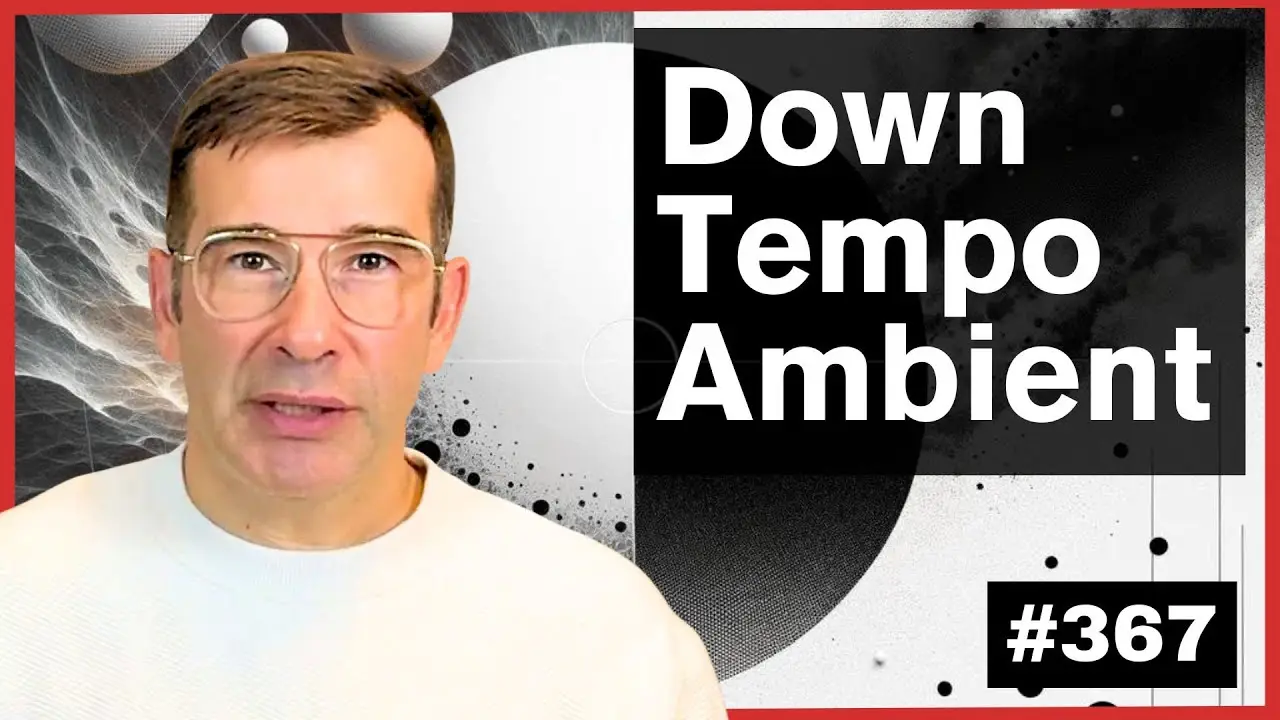
In this episode of your Live Electronic Music tutorials i am using a template from episode 355 https://youtu.be/k_gg4V2oBMY to get inspiration to create a brand new song in a completely different style. The idea is to delete all of the MIDI but to keep some of the sounds and setting as a new starting point.
Doing so we begin the work on the Deep Downtempo track inspired by Artist Like Autechre, FSOL, The Orb and more recently BICEP! So we are up cycling the ideas and rising the original violin track to add an acoustic layer to the work.
Chapters:
0:00 Introduction
1:26 Our Inspiration, Together Trance
2:39 Welcome to this tutorial (JOKE)
2:58 We delete all the percussion from the original Logic Pro X Project
3:54 Why use templates to create new tracks
5:00 We epicycle an arpagiator
6:41 Using the original chords from the pad
9:55 Reusing the bass but in a simpler form
12:26 Recording Ambient Piano keys
20:49 Addling a ambience layer
22:55 Reusing the Origin Violin layer
24:29 Recording some ethereal bells
27:00 Integrating the “Together” Vocals
27:20 Final Thoughts and announcement for the final template!
In this template i reuse a recording of mine to create a completely new track, the theme is downtempo, deep deep trippy IDM!
All elements are created from scratch including all percussive elements using Logic Pro X Drum Synthesiser!
Deep Downtempo IDM Logic pro X Template: https://www.wemakedancemusic.com/en/deep-downtempo-chill-out-logic-template-live-electronic-music-367
132 BPM 4:02 E
100% Customisable
1 Recorded Violin Channel
1 Vocals Channel (Together)
9 MIDI Synth Channels
8 MIDI Synth Drum Channels
Mastering Chain on Main Output